


Running a venue means wearing every hat — operator, social media manager, HR manager, and occasionally even accountant. The admin doesn’t stop when service starts.
You didn’t open a restaurant to spend your mornings rewriting the specials email or staring at a blank screen trying to craft a response to a negative Google review. And yet, these are the busywork costing you hours every week that could go toward the floor, menu ideas, or simply getting some sleep.
That’s where Claude can come in handy. Claude is an AI assistant built by Anthropic that can help with writing, thinking through problems, drafting communications, and organising information — all in plain conversational language. You don’t need to be tech-savvy to use it. You just need to know what to ask.
This guide walks venue owners, managers, and front-of-house teams through exactly how to put Claude to work in day-to-day restaurant operations. Keep reading to find practical prompts you can use today.
What is Claude, as a restaurant operator — why should you care?
Claude is an AI assistant. Think of it as a very capable colleague who can read, write, summarise, draft, and brainstorm on demand. The great thing about Claude is that it’s conversational: you describe what you need in plain language and it responds in kind — much like our own Insights tool for restaurant reporting and analytics.
For restaurant operators, that means you can hand off a surprising amount of behind-the-scenes writing and thinking work. Let’s be real — AI is not about to run your floor or pull a shot of espresso, but it can handle a lot of what happens before and after service.
You can access Claude on any device once you sign up for an account. A free tier gets you started; paid plans unlock higher usage limits for teams with more volume.
What can Claude do for your restaurant?
Before getting into specific use cases, it helps to understand what Claude is genuinely good at, and where it has limits.
What can Claude do for your restaurant?
- Writing and editing: menus, staff updates, customer emails, social captions, website copy
- Responding to reviews and customer messages
- Drafting policies, procedures, and training documents
- Brainstorming: dish ideas, promotion concepts, event themes
- Summarising information: supplier emails, industry articles, meeting notes
- Building templates you can reuse across your team
What can Claude do for your restaurant?
- It can’t access your reservation system, POS, or live booking data; Claude can only work with what you give it
- It doesn’t know your specific menu, team, or guests unless you tell it
- It’s not a substitute for a reservation and table management platform — tools like Now Book It handle the operational side; Claude handles the language and repetitive work
The most effective operators use Claude alongside their existing tools. Your reservation platform manages your tables and guest data; Claude helps you ideate the communication and strategies around it.
Six ways to use Claude in your restaurant right now
1. Write and improve your menu descriptions
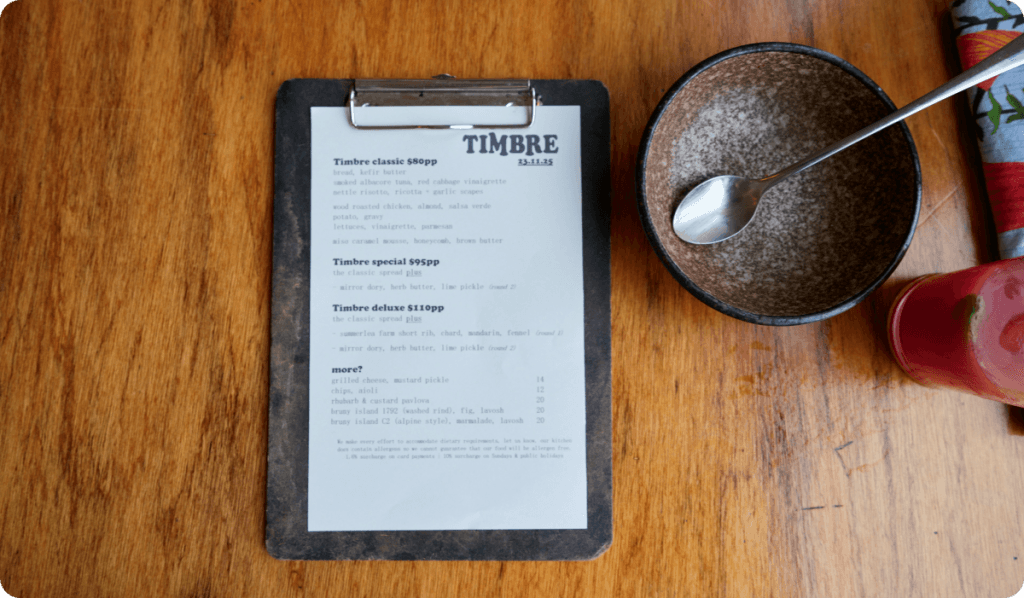
Menu copy is one of the most underestimated revenue drivers in a restaurant. Descriptions that read as flat or generic rarely convert curiosity into orders. Claude can help you write evocative, accurate descriptions that match your venue’s personality.
Try this prompt: “I run a casual Italian restaurant in Melbourne. Can you help me write a description for a ricotta gnocchi dish with brown butter, sage, and toasted pine nuts? Keep it under 30 words, warm and appetising.”
You can also paste in your existing menu and ask Claude to improve the writing across the board, flag dishes with generic descriptions, or adapt the language for a new season or concept.
2. Respond to customer reviews
Responding to Google, Facebook or TripAdvisor reviews is time-consuming but so important. A well-written response to a negative review can protect your reputation and occasionally win back a guest. A generic “thanks for your feedback” does neither.
Claude can draft responses that acknowledge the guest’s experience, reflect your venue’s voice, and close on a polished note.
Try this prompt: “A guest left a three-star Google review saying service was slow on a Saturday night but the food was good. Help me write a warm, professional response that acknowledges the wait, explains we had an unusually busy service, and invites them back.”
You’ll want to read and personalise before posting — Claude gives you a strong first draft, not a final sign-off. For more tips on responding to online reviews, check out our guide to managing restaurant reviews here.
3. Create staff communication
Getting information to a team that works split shifts, across multiple roles, and often without regular email access is genuinely hard. Claude can help you write clear, direct updates that people actually read.
Use it for shift briefings, policy changes, roster announcements, onboarding documents, and anything else your team needs in writing.
Try this prompt: “Write a short message for my front-of-house team explaining that we’re trialling a new booking procedure starting next Monday. The key point is that all walk-ins after 7pm must be checked against the Now Book It system before being seated. Keep it direct and friendly.”
This kind of task typically takes five minutes of writing and ten minutes of rewriting. With Claude, it’s done in two.
4. Build your social media content
Most venue operators know they should be posting regularly on Instagram or Facebook. Most also know that sitting down to write captions from scratch is one of the first things to fall off the list during a busy week.
Claude can generate caption ideas, draft posts around seasonal events or new dishes, write alt text for accessibility, and help you build a content calendar — all from a brief description of what you’re promoting.
Try this prompt: “We’re launching a new Sunday brunch menu next weekend. Write three different Instagram captions in a warm, conversational tone — one focused on the food, one on the atmosphere, and one inviting people to book early.”
Give Claude your venue’s tone and any specific language you want to avoid, and it will adapt quickly. Tell it once that you don’t use exclamation marks and it’ll keep them out.
5. Create training materials and SOPs
Standard operating procedures and training guides take forever to write from scratch — which is why so many venues end up with nothing written down at all. That creates inconsistency, and inconsistency costs you covers.
Claude can help you turn a verbal walk-through into a structured document. Describe how you want a task done, and Claude organises it into clear, numbered steps your team can actually follow.
Try this prompt: “Help me write a step-by-step procedure for how our host should greet and seat a guest who arrives without a reservation during a busy service. Include how to check availability, what to say if we’re fully booked, and how to take their details for a waitlist.”
Once written, you can store these in a shared folder and update them with Claude whenever the process changes.
6. Plan events and marketing promotions
Whether you’re running a Valentine’s Day set menu, a long lunch series, or a ticketed tasting event, there’s a significant amount of planning and copywriting involved. Claude can take the brief and help you think through the logistics, write the promotional copy, and draft the guest communications.
Try this prompt: “I’m planning a four-course winter dinner event for 40 guests on a Friday night in July. Help me think through what we need to organise in the three weeks leading up to the event, and write a short email I can send to guests once they book.”
Pair this with Now Book It’s event management features — paid deposits, custom booking forms, and automated confirmations — and the operational side takes care of itself at the same time.
Grab our complete guide to planning an event at your restaurant here.
Tips for getting better results from Claude
We’ve also heard venues tell us they don’t always get great work done on Claude, so if you’re finding that it keeps regurgitating the same old responses, you’re not alone. The fix? Claude responds to the quality of the prompt you give it. Here are five non-negotiables to turn your Claude into a reliable restaurant support engine.
- Be specific about context. Tell Claude what kind of venue you run, who your guests are, and what tone you’re going for. “A casual neighbourhood bistro in Brisbane with a focus on local produce” gives Claude something to work with. “A restaurant” does not.
- Give it an example if you have one. Paste in a piece of your existing copy and say “write something in this style.” Claude is good at matching a voice it can see.
- Ask for options. If the first draft doesn’t land, ask for two or three alternatives. Claude won’t take it personally.
- Iterate rather than restart. If you want something changed, describe the change directly: “make the second paragraph shorter” or “remove the reference to the opening date.”
- Tell it what to avoid. If there are words, phrases, or tones you don’t want, say so upfront. Claude will adapt.
Where Claude fits in your restaurant tech stack
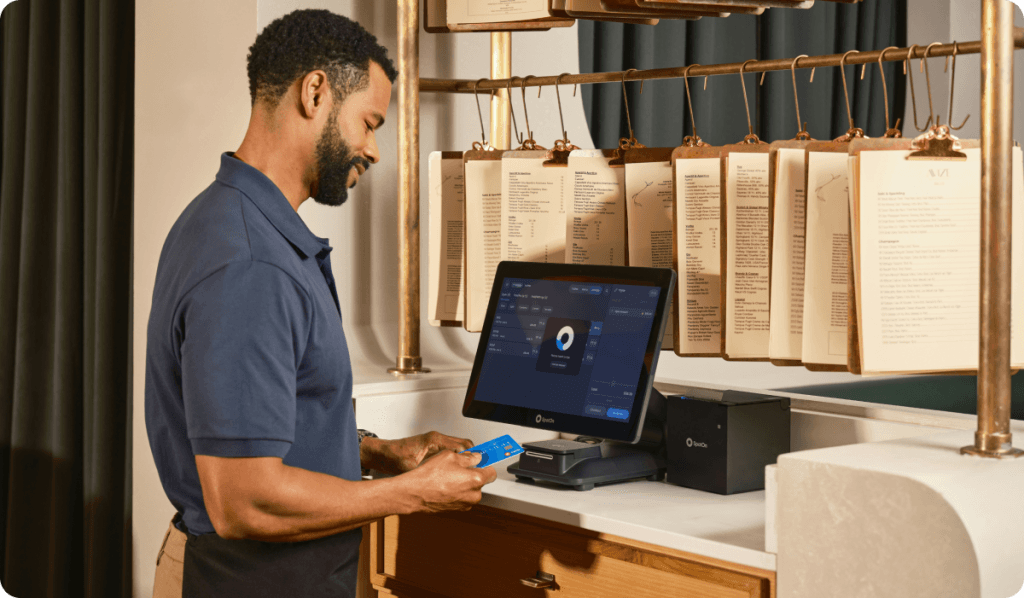
When a guest books through Now Book It, the platform captures their details, assigns them to a table, sends an automated confirmation, and logs their visit for future reference. With the built-in CRM, all that guest data stays with you, not a third-party aggregator. That means you’d be able to send automated email marketing to keep them coming back, plus leverage that data to gain insights and improve on service.
What your reservation system doesn’t do is write the welcome email, draft the new staff induction document, or brainstorm copy for your anniversary promotion. That’s a job for Claude.
When used together, you get a venue that runs tightly on the operational side and communicates well across every touchpoint — reservations, social, reviews, team comms, and events.
And where does that leave you as an owner or operator? With newfound time to pay attention to guests, run the side of the business you actually enjoy, or even spend time with family!
How to get started with Claude
You don’t need to set aside a big block of time to start using Claude. Pick one task from this guide — a review response, a menu description, a staff update — and try it this week. The learning curve is minimal because Claude is designed to be used in plain language.
The operators who get the most from AI tools aren’t the ones who spend hours setting up integrations. They’re the ones who identify the ten tasks that cost them an hour each week and hand them off — then use the time they’ve reclaimed to run a better service. Speaking of handing off tasks, thousands of venues hand off phone calls to Sadie, the 24/7 AI receptionist who logs bookings in your diary, answers customer enquiries and transfers call when needed.
After all, isn’t that’s the goal? Less time at the front desk or stuck in back office, more time on the floor with customers.
Want to tighten up the operational side of your venue?
Now Book It gives you a reservation and table management system built by people who understand hospitality — with your guest data staying exactly where it belongs. Book a demo at nowbookit.com.